
Performance
01 Slow on the phone
Most people find you on mobile. A heavy WordPress homepage makes them leave.
We rebuild the site and leave the plugin pile behind. You keep the pages, the look when it still fits, and the URLs Google already knows. Small sites and heavy ones.
Custom rebuild. 12-month minimum. Website files transfer after 12 paid months.
A theme, a page builder, ten plugins. It worked until it did not. We do not speed WordPress up. We take you off it.
Most people find you on mobile. A heavy WordPress homepage makes them leave.
You wait to click update. One plugin can take the site down.
A login form on the public site is a door. Bouquet La Vie learned that the hard way.
A simple headline change turns into a theme and plugin hunt.
We copy what is worth keeping, then build a clean site. That is why it stays fast.
Pages, URLs, forms, photos, and what Google already knows.
New pages, same story. After launch you edit in Sanity, not wp-admin. The parts list is there if you want it.
We map the old WordPress paths onto the new routes. Search traffic and saved links do not hit a wall on launch day.
Hosting, backups, uptime, and included edits stay covered by your monthly website plan.
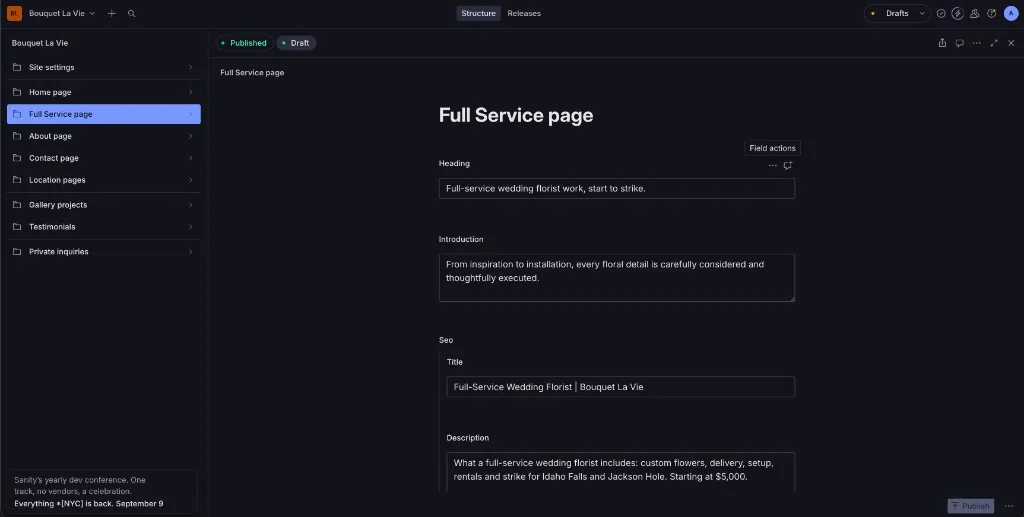
Sanity is your editor. You sign in on a private URL. Visitors never see it. Your public site stays a set of fast pages.
You get a list of your pages. Home. Services. About. Blog. Click one. Change a headline. Swap a photo. Hit Publish. That is the loop.
The layout stays put. You cannot install a plugin. You cannot break the theme. Drafts let you write without going live. Bigger design work goes through your website plan request queue.
Your pages show up by name. No theme settings. No plugin screen.
Fields match the business. A headline. A gallery shot. A service blurb.
The live site updates. The design does not move.
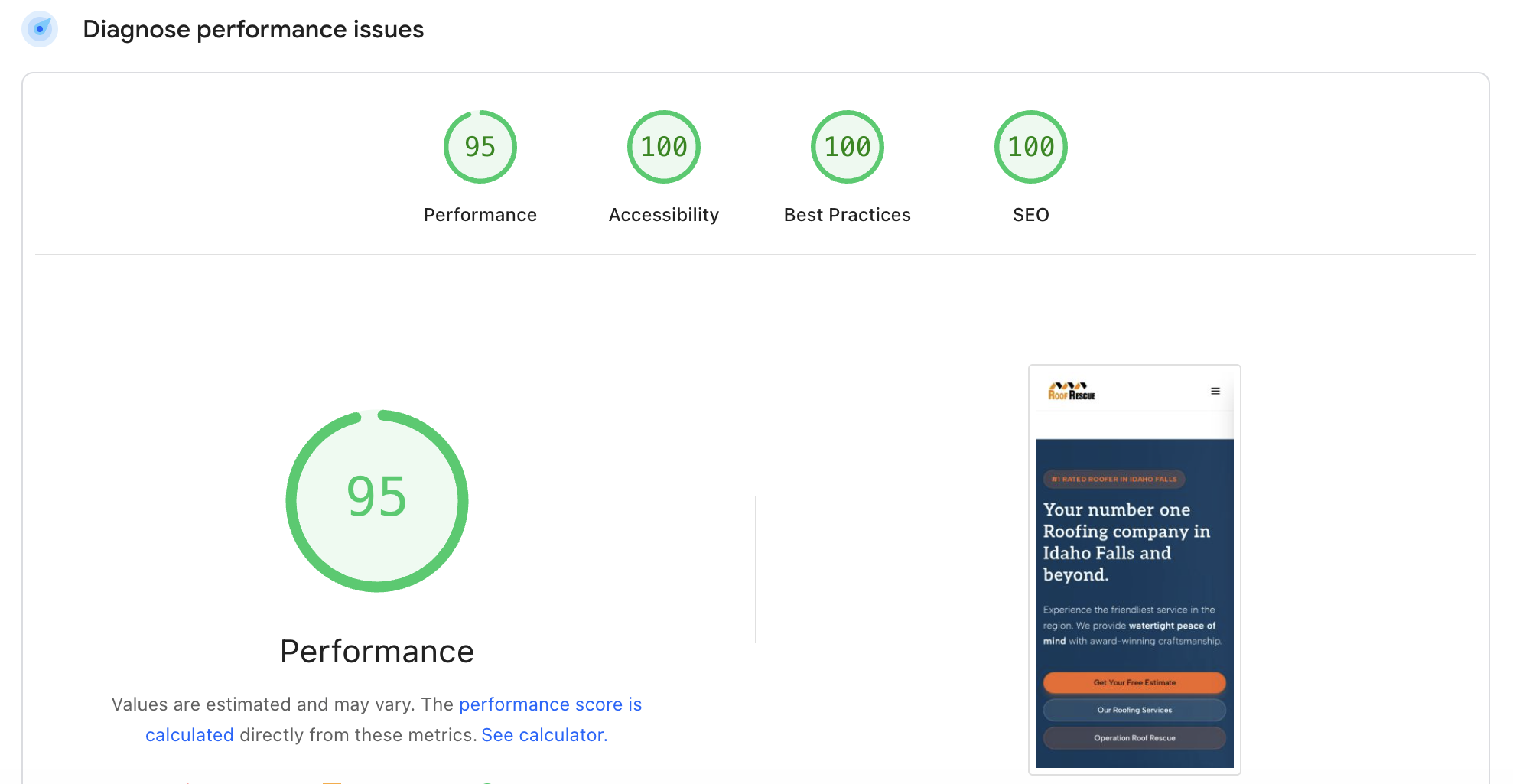
Real data from Google PageSpeed Insights. No cherry-picking.

A florist, a heavy roofing site, and a heavy law firm. All off WordPress.

Rebuilt. 100 on every PageSpeed test. She edits her own pages in Sanity.
Read the case study →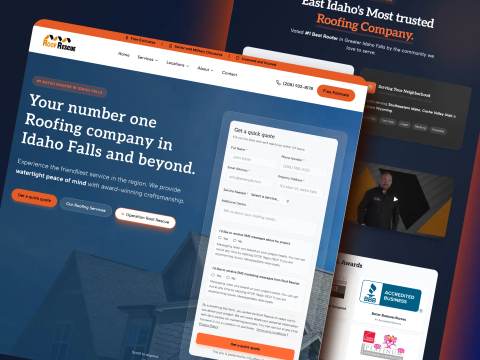
Off WordPress. Organic traffic tripled. 99 desktop PageSpeed. 90+ on mobile.
Read the case study →
105+ bilingual routes. The firm edits content in Sanity without touching code.
Read the case study →We 301 the old WordPress URLs onto the new pages. Rankings are never a promise. A clean, fast site with the same URLs is the honest way to protect what you already earned.
Yes. That is Sanity. You sign in, open a page, change the text or photo, publish. The layout does not move. See how it works.
Sanity is the editor we set up for your site. It is not WordPress. No plugins. No theme maze. Fields that match your pages. You use it. We keep the design locked so a bad click cannot wreck the site.
It is a rebuild, so it follows website plan pricing. Core is $149/month plus $490 setup, Full is $299/month plus $990 setup, and Growth is $599/month plus $1,490 setup. All plans have a 12-month minimum.
A small service site can ship in 7 business days. A fuller site is closer to 14. A messy WordPress install with years of leftover pages takes longer. We set the date before we start.
This page is for service businesses, including heavy multi-page sites. That is the work we publish. If you sell through WooCommerce or run members-only content, send the URL. We will tell you if it is a fit.
No. Caching plugins buy time. They do not fix the architecture. We rebuild. If you want to stay on WordPress, we are not the right studio for that job.
A free audit. What is slow, what is worth keeping, and what a move off WordPress would look like. No pitch deck.